Make Your Own GIF Face Swap in Seconds
Our free GIF Face Swap AI can easily change your face with any GIF you prefer.
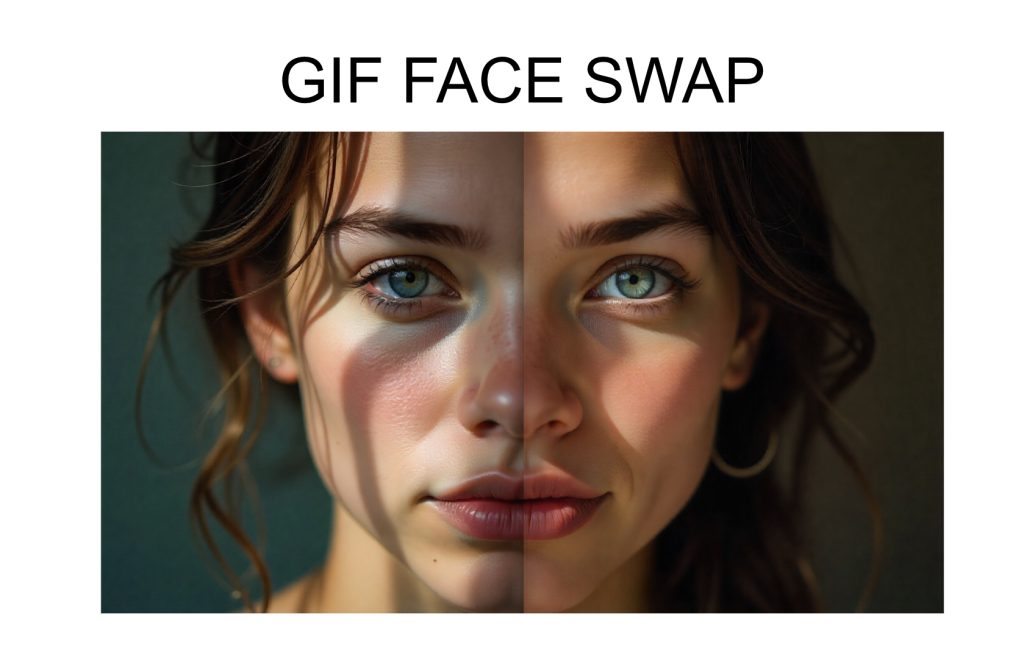
Upload video with face
Upload face photo
Generate and Download








Try Making Your Own GIF Face Swap in Seconds for Free
Follow the steps to try the AI GIF face swap tool and create your own GIF in seconds for free.
Step 1. Upload a GIF
Prepare a GIF you want to swap the face in and upload to the AI GIF Face Swap Generator. It will automatically detect the face in the GIF, including eyes, nose, mouth, and jawline.
Step 2. Upload Your Own Selfie
Upload one of your selfies to the free GIF Face Swap AI tool and ensure nothing is blocking your face. Then it will map your face with the GIF face.
Step 3. Generate and Download Your GIF
Click the generate button to let the AI swap your face with the GIF face. Wait for a second, you can see your GIF. Download it and use it for fun!
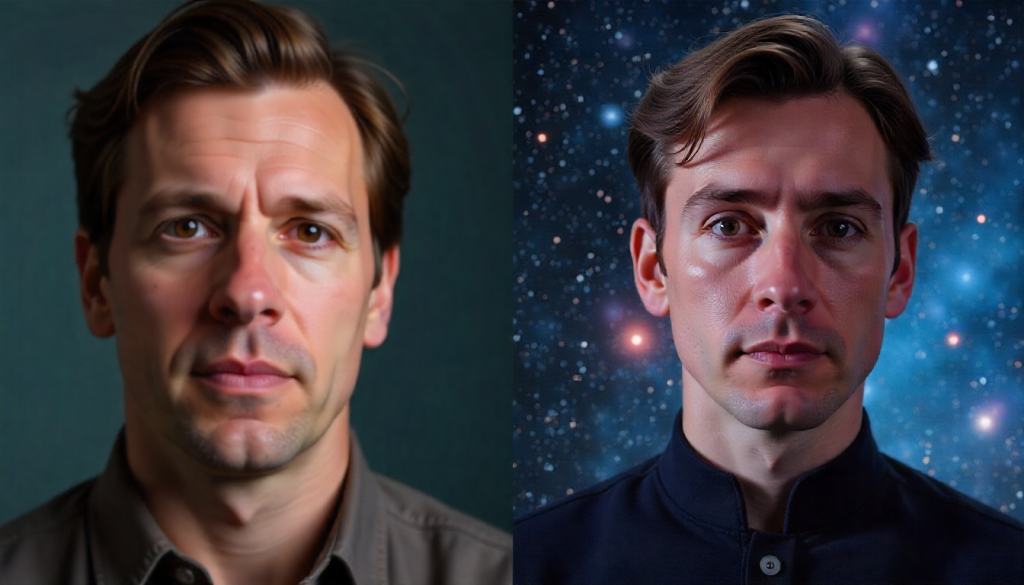
3 Key Features of the AI GIF Face Swap Tool
The AI GIF Face Swap Tool offers three standout features. Check them below to see how they fit your requirements.

Highly automated and Easy to Use
All you need to do is provide a selfie and a GIF, and our AI GIF face swap tool can automatically complete a series of complex steps such as face detection, feature alignment, and fusion rendering. You don't need to use image processing skills.
Preserve GIF Quality
While replacing faces, our face swap GIF tool can preserve and drive the rich expressions and dynamic details of the people in the original GIF, such as blinking, smiling, and opening their mouths. It's not a simple static replacement, but a dynamic expression transfer.
Free Try and Fully Secure
Offer a GIF face swap free trial and a secure experience, allowing you to try if it meets all your needs. Furthermore, our tools ensure your data is 100% secure and will not be misused, stored, or leaked, and automatically delete data after processing.
Where Gif Face Swap Works
After learning how to face swap a GIF, you’ll want to know where it can be used and what benefits it offers, from everyday fun to business applications.
Create Your Own Meme for Fun
You can use the AI GIF face swap tool to create your own personalized meme, replacing classic lines and scenes from movies and TV series like "Spider-Man" with your face. You can use your personalized meme to interact with your online friends, especially when you meet new friends—it can help you break the ice.

Create Trending GIFs to Boost Followers
As an influencer, try a free GIF face swap to create trending memes with your face. This engaging, personalized content showcases your creativity, boosts fan interaction, and drives organic sharing. It effectively increases your exposure and accelerates follower growth.
Make Creative Ads to Attract Customers
Brands can leverage this AI GIF face swap to subtly integrate their products or logos into popular GIFs and emojis. This new advertising format replaces hard-sell tactics with humorous interaction, effectively enhancing brand recall, encouraging users to share actively, achieving viral spread on social media platforms, and successfully attracting potential customers.


FAQ
Yes, many Gif Face Swap tools now offer online services. However, we recommend using our online tool FACESWAPS because it ensures fast production of high-quality GIFs even with a poor network connection.
Many AI GIF face swap tools aren't free now. If you want to skip the subscription pressure, you can try our FACESWAPS. Unlike many tools hidden behind paywalls, ours comes with a free trial so you can experience its full potential firsthand, making it the clear best choice.
Please note that many tools do not support replacing multiple faces in a single GIF, but our Gif Face Swap tool perfectly supports this feature. Therefore, you can swap your and your family members' faces with a fun piece of content, perfect for sharing on social media and creating joy.
Most tools compress GIFs heavily, which often leads to blurry or pixelated results. Our FACESWAPS tool uses an advanced rendering engine that preserves clarity and smooth animation, ensuring your final GIF looks crisp, vibrant, and professional.
Yes, but safety varies by platform. With FACESWAPS, your uploaded content is protected by secure processing and automatic deletion after creation. This means your data stays private, giving you full confidence when swapping any face in your GIF.