Create Stunning Videos with Free Unlimited Video Face Swap
Easily produce realistic results with this simple three-step workflow. Our AI video face swap free unlimited solution handles the complex processing, making it ideal for beginners, casual creators, and fast production needs.

Upload video with face
Upload face photo
Generate and Download


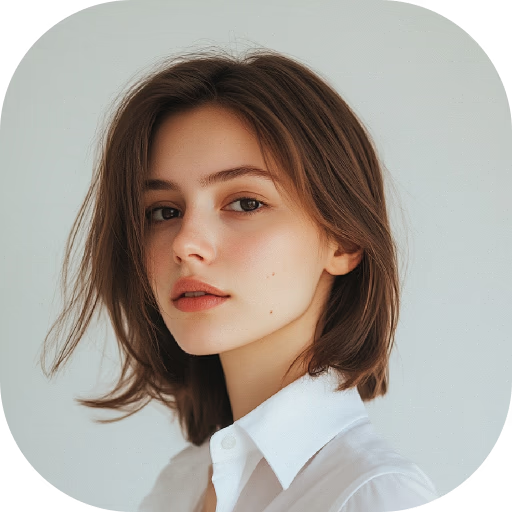

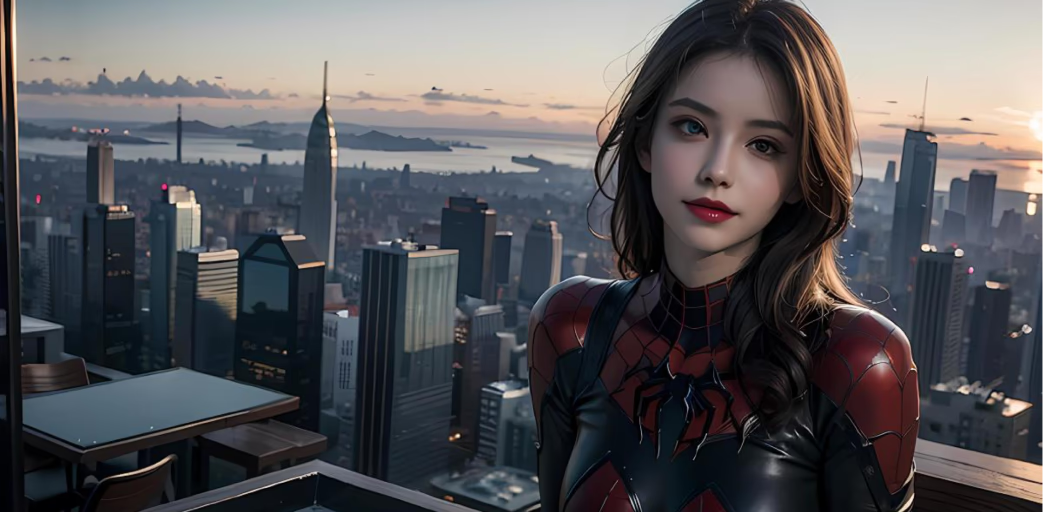
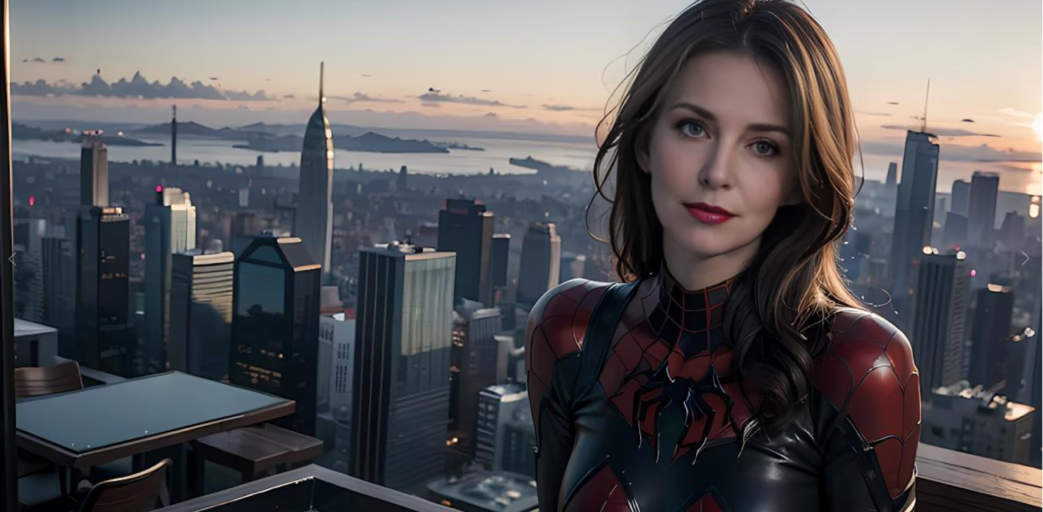


Step-by-Step Guide to Free Unlimited Face Swap Videos
Quickly create realistic AI face swaps with an easy three-step process. The tool handles all complex processing, making it ideal for beginners and casual creators.
Upload Your Video (Source Content)
Upload the video containing the face you want to replace. You can upload 5-second to 10-minute clips up to 500MB. Supported formats include MP4, AVI, MOV, WMV, and MKV. The system detects up to four faces per video, enabling multi-character editing through this video face swap free unlimited workflow.
Upload Your Photo (Target Face)
Upload the target face you want to swap into the video. For multi-person scenes, upload separate target faces to match each character. AI automatically detects and aligns faces, and manual adjustments are available if needed. You can also choose preset faces for quick testing within this face swap video free unlimited tool.
Generate and Download the Video
The AI processes your video using advanced deep-learning face-mapping technology. Expect natural textures, accurate lighting, skin-tone matching, and smooth motion. Processing typically takes a snap, and then you can get results reflecting professional-grade quality through the free unlimited video face swap engine.
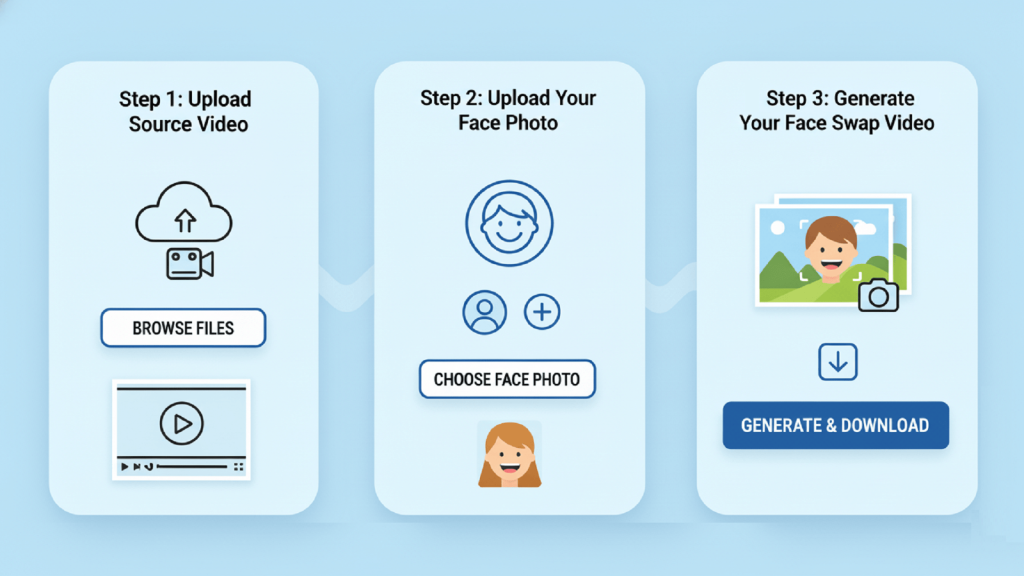
Free Unlimited Video Face Swap – Top 3 Features
Discover flexible plans, professional output, and advanced technology designed for creators. This AI video face swap free unlimited tool ensures high-quality editing with user-friendly controls and secure processing.
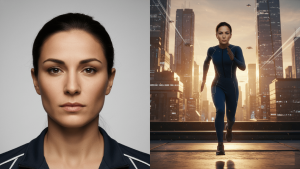
Flexible Plans and Credit System
The platform offers a free monthly plan with 30 credits, plus paid tiers that unlock VIP features. Credits reset monthly and do not roll over. Subscriptions can be canceled anytime. Enterprise users can access true unlimited usage, making it a powerful option for high-volume video face swap free unlimited workflows.
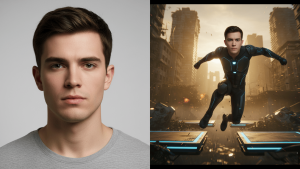
Core Face Swap Functionality
Create professional-quality results in just three steps: upload your video, upload the target face, and generate. The AI handles alignment, blending, lighting, and texture matching automatically. Preset faces help beginners test the free unlimited video face swap process instantly.

Multi-Face Support and Secure Uploads
The system supports up to 4 faces per video, all major video formats (MP4, AVI, MOV, WMV, MKV), and files up to 500MB or 10 minutes long. All uploads are encrypted and automatically deleted within 24 hours. Users must ensure proper permissions when using face swap video free unlimited tools.
Use Cases for AI Video Face Swap – Free & Unlimited
Explore how AI video face swap free unlimited tools enhance social media, creative work, and marketing. Produce engaging, realistic, and professional content for any project with unlimited editing capabilities.

Social Media Entertainment
Create fun and viral-ready videos for TikTok, YouTube, and Instagram by swapping faces with friends, celebrities, or fictional characters. This free unlimited video face swap tool delivers realistic expressions, accurate lighting, and smooth movements, making it ideal for memes, reaction clips, and short-form entertainment.
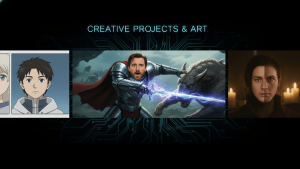
Creative Projects and Art
Use AI video face swap free unlimited tools for digital art, fan edits, and storytelling. Replace faces in films, animations, or short scenes to explore new artistic concepts with high realism. This helps creators experiment visually without complex VFX pipelines.

Marketing and Professional Content
Brands can integrate video face swap free unlimited workflows into promotions, ads, and personalized campaigns. Swap presenters, localize content for different audiences, or show products with diverse faces to increase engagement and relevance.


Find Answers to Common Questions about Free Unlimited Video Face Swap
There’s no single “best” face swap tool—it depends on your needs. However, FACESWAPS is one of the best face swap video free unlimited platforms available. It offers unlimited usage, fast processing, and high-quality AI-generated results. The tool works directly in the browser with no downloads or editing skills required, making it perfect for beginners, casual creators, and anyone looking to create realistic face swaps quickly.
Face-swapped videos can sometimes be detected if analyzed with advanced forensic tools, depending on quality and realism. FACESWAPS focuses on producing high-quality, natural-looking swaps, but we always encourage users to use the technology responsibly.
You can swap faces in a video online for free using FACESWAPS. Simply upload your video, choose the face you want to replace or add, and click “Generate.” Our AI processes your file in seconds and delivers a realistic, high-quality face swap with unlimited usage.
No, ChatGPT cannot perform video face swaps directly. However, it can guide you through the process by helping you write prompts, choose tools, and optimize your workflow. To actually swap faces in a video, you’ll need to use dedicated AI video face swap tools or video editing software, while ChatGPT assists with instructions and troubleshooting. However, with FACESWAPS, you don’t need complex prompts or technical steps — you can swap faces directly, quickly, and easily with just a few clicks.
No, you don’t need advanced technical skills. Most video face swap tools, like FACESWAPS, are designed for beginners with simple upload-and-click workflows. Basic computer familiarity helps, but the AI handles the complex editing automatically. For more realistic or complex videos, some understanding of video settings and minor adjustments can improve results.
Videos that work best for face swapping are clear, well-lit clips where the face is easy to see. High-resolution “talking head” or interview-style videos work best because the face stays front-facing, bright, and unobstructed. Stable shots with little motion blur also help. Avoid videos with fast movements, heavy shadows, or faces turning away too often. Matching lighting and color between the source face and the target video will give the most realistic results.